An allowlist, not a filter
Only messages that read states, statistics and the dashboard's config are forwarded. Service calls, saves, scripts and templates are refused before they reach your instance.
Home Assistant keeps every dashboard behind the login. Public Access lets you share exactly one — your solar production, a weather station, a community sensor — at https://your-home/<path>, with no account, no token, and nothing a visitor can change.
No card required. Installs from HACS in a minute. Your data never leaves your instance.
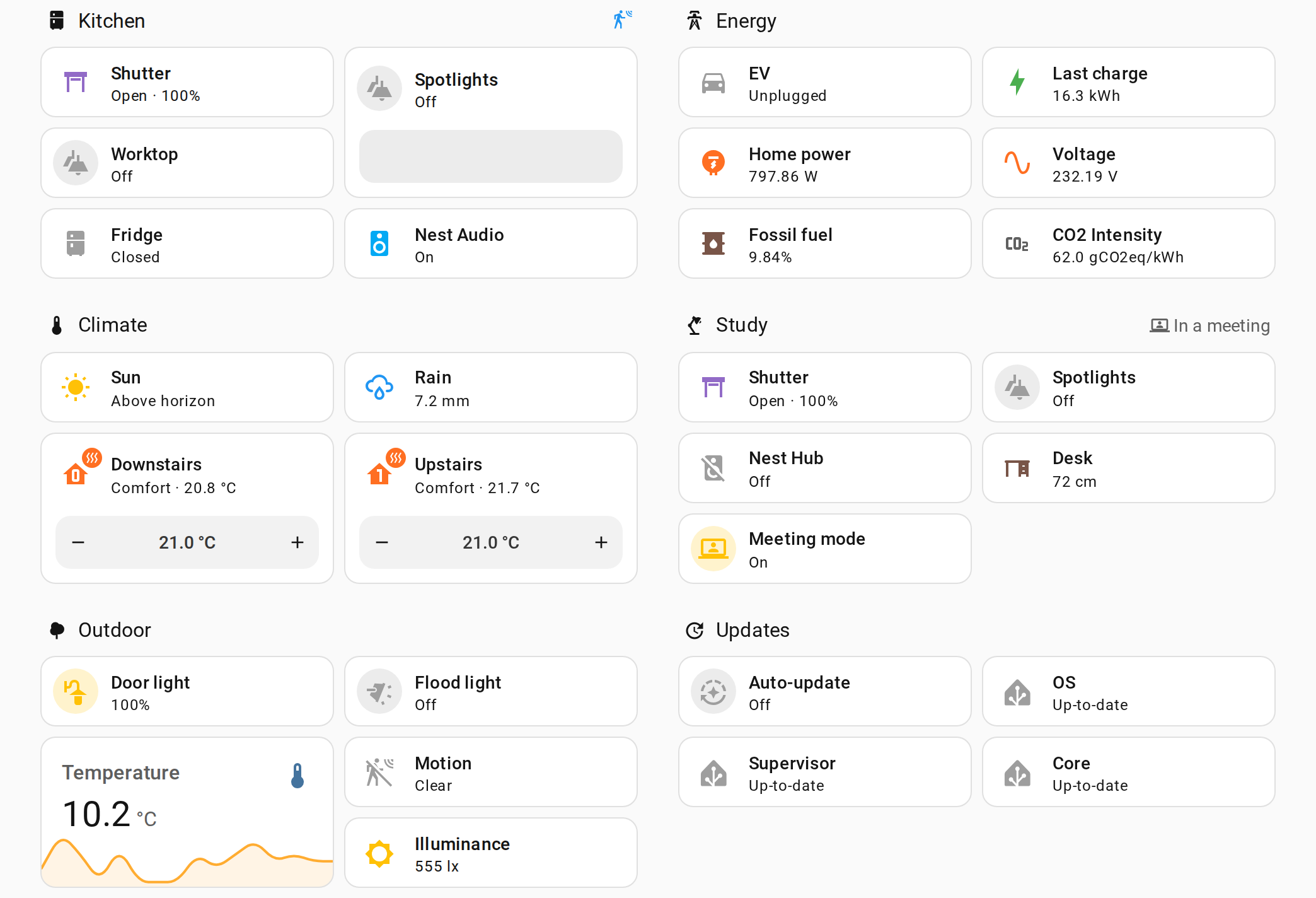
The visitor gets Home Assistant's own frontend — your theme, your layout, your custom cards — but its connection does not reach Home Assistant. It reaches Public Access, which forwards only what a viewer may do.
Only messages that read states, statistics and the dashboard's config are forwarded. Service calls, saves, scripts and templates are refused before they reach your instance.
Everything forwarded runs as a system user in Home Assistant's own system-read-only group. Even a message that slipped past would be refused by Home Assistant itself.
Other views, other dashboards, entities not on the page — never sent. Visitors cannot name an entity, a statistic or a date range; every id is resolved on your side.
Chosen per dashboard in the integration's options. Most people never leave the default.
Your real dashboard, live, behind bulletproof glass: exact layout, custom HACS cards, animations. Period switching and tooltips work; nothing can be changed.
Our own lightweight renderer over sanitized, allowlisted data. Shows only known card types — for when you want a page that cannot show anything else.
A picture of the dashboard, refreshed on demand by a small companion. For when the visitor's browser must never hold a live connection to your instance.
Solar production for the neighbourhood. A weather or air-quality station. River levels for a village. A greenhouse for co-owners. A guest screen in a holiday rental. A status board in a workshop. If you can put it on a dashboard, you can publish it.
Energy dashboards are especially well covered — usage, solar, the energy flow diagram, sources and costs — with the same period selector you use yourself.
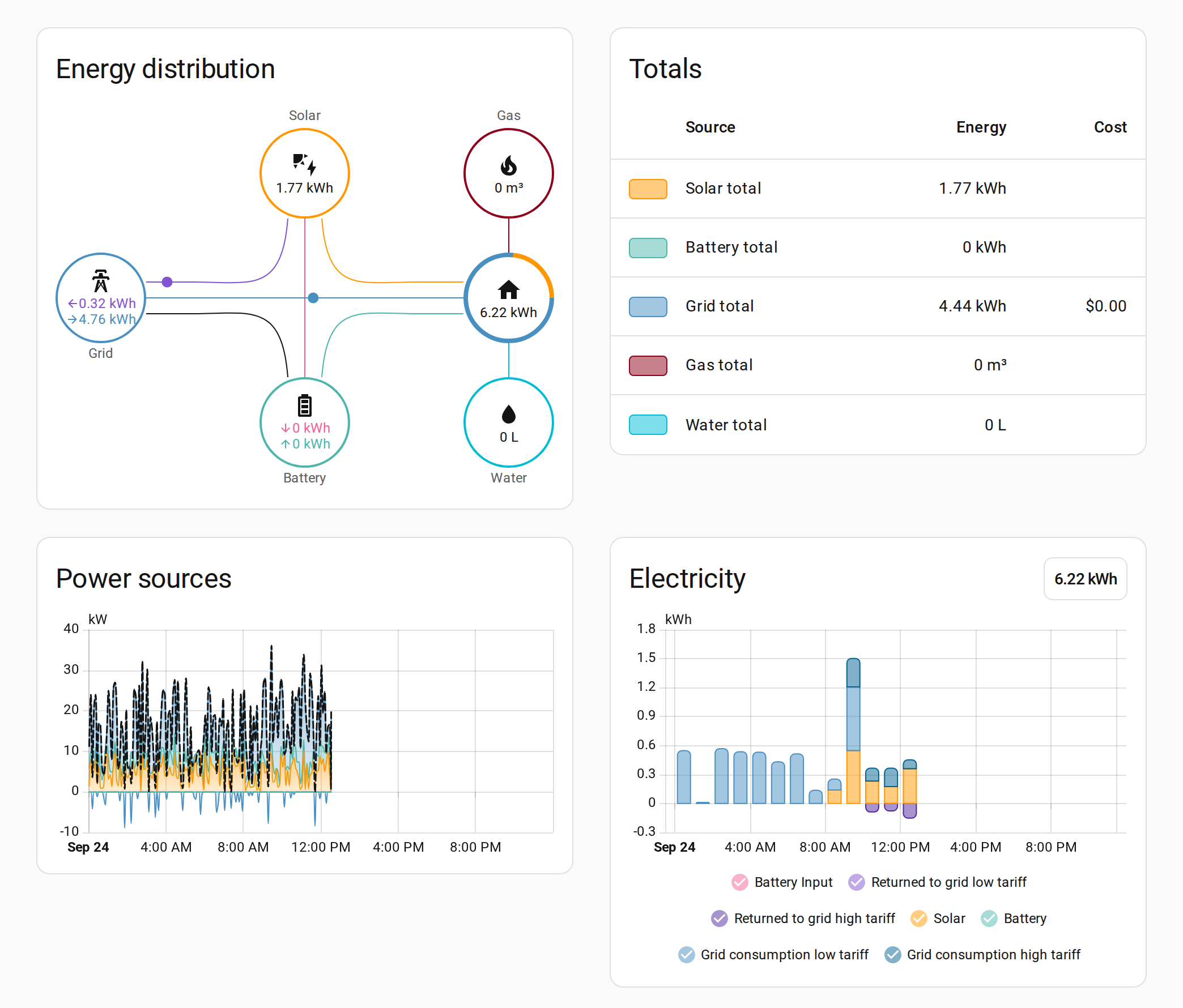
Works on Home Assistant OS, Supervised and Container. The integration installs from HACS as a custom repository.
In HACS, add dllfpp/ha-public-access as a custom repository and install Public Access.
Create a dashboard for the public, save it, then add the integration and pick that dashboard, the view and the public path.
Start the free trial to receive a key by email. Activate it — the 5-day trial starts then, bound to your instance.
Monthly or yearly, cancel anytime. Sold through Lemon Squeezy, our merchant of record, which handles VAT and invoices.
Billed monthly. Cancel anytime.
That's €2.50 a month, billed once a year.
Your public page stops when a trial or subscription ends; nothing is deleted.
No. The page is served by your own Home Assistant. Our server only validates the license key and delivers renderer updates; it sends a key, a hash of your instance id and version numbers — nothing about your home.
No. The public connection forwards only read operations, and everything it forwards runs as a read-only user. We test this by attacking the endpoint before every release.
The plugin keeps a signed entitlement and verifies it offline, so your page keeps working through an outage on our side.
In mirror and snapshot modes, yes: the real frontend draws them. In live mode only a documented set of cards is rendered.
The integration, the sanitizer and the public endpoint are source-available on GitHub under PolyForm Shield so you can audit what runs on your instance. The renderer is a signed payload for subscribers.